
Thunderbird
Thunderbird is a free, open-source email client and personal information manager for Windows, macOS, Linux and Android.
Windows
Open source

16006.11001.20116.0 · Microsoft Corporation · Page updated
Windows Mail and Calendar were Microsoft's built-in email and calendar apps for Windows; support ended on December 31, 2024, with the new Outlook as successor.
Average 0.0 · ratings: 0
Thank you! Your rating is saved; you can change it. Could not save the rating. Please try again later. Too many ratings from your network today. Please try again tomorrow. The average appears after 5 ratings.
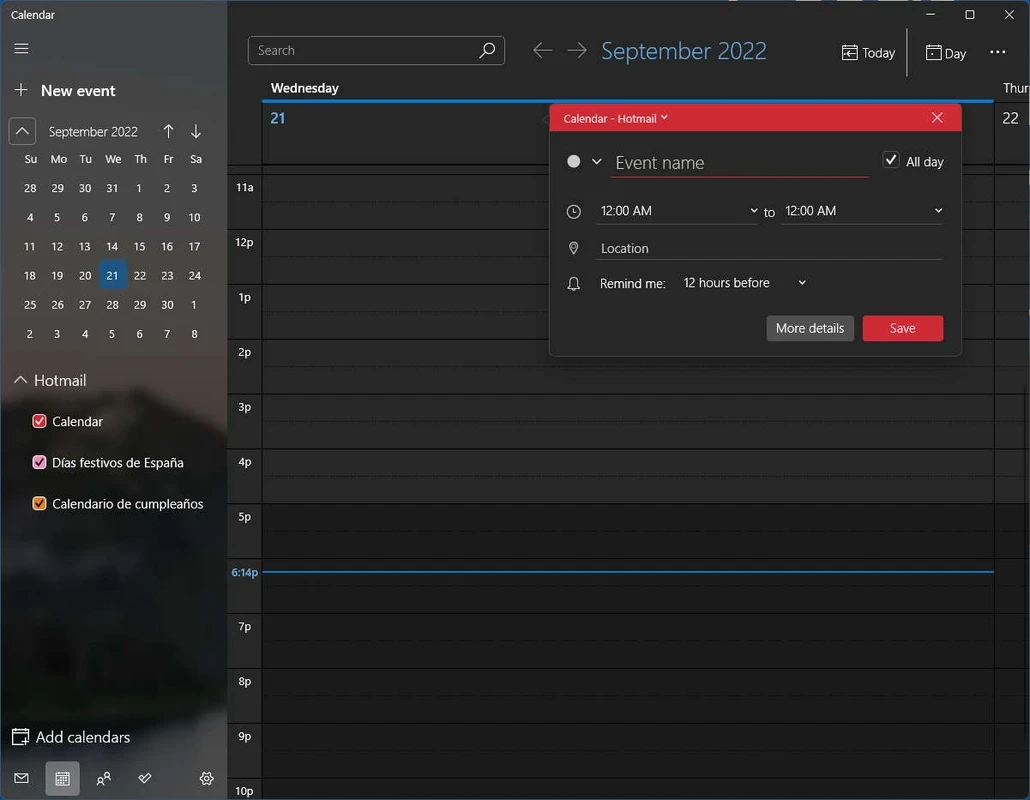
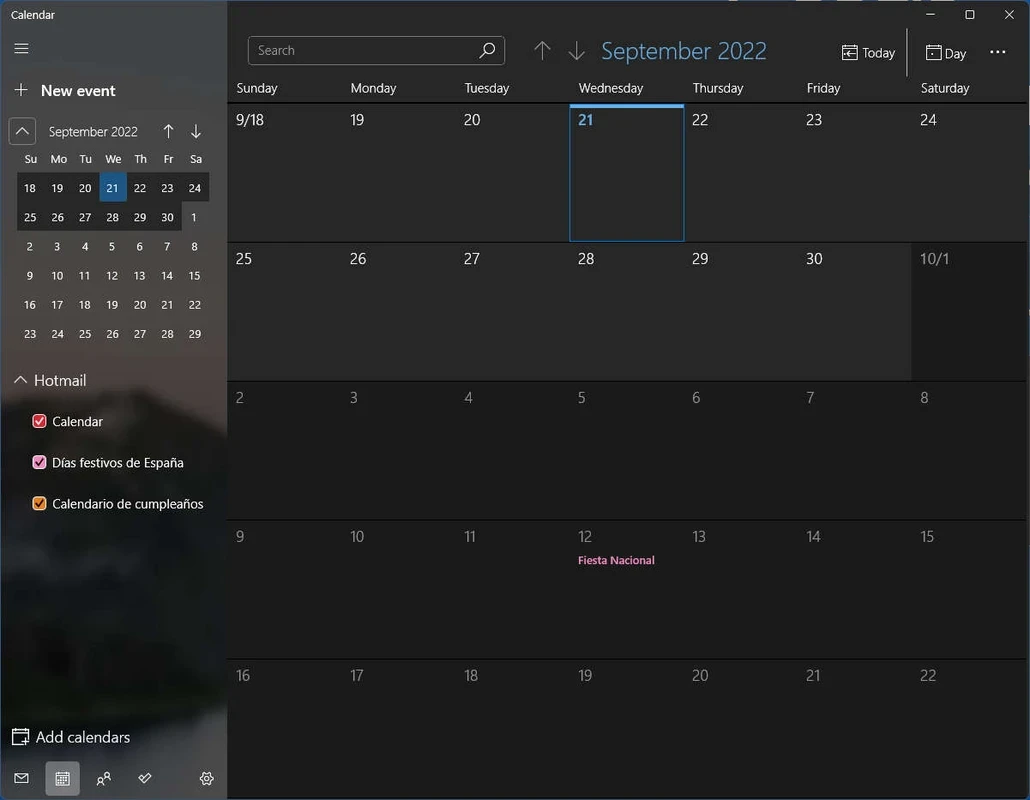
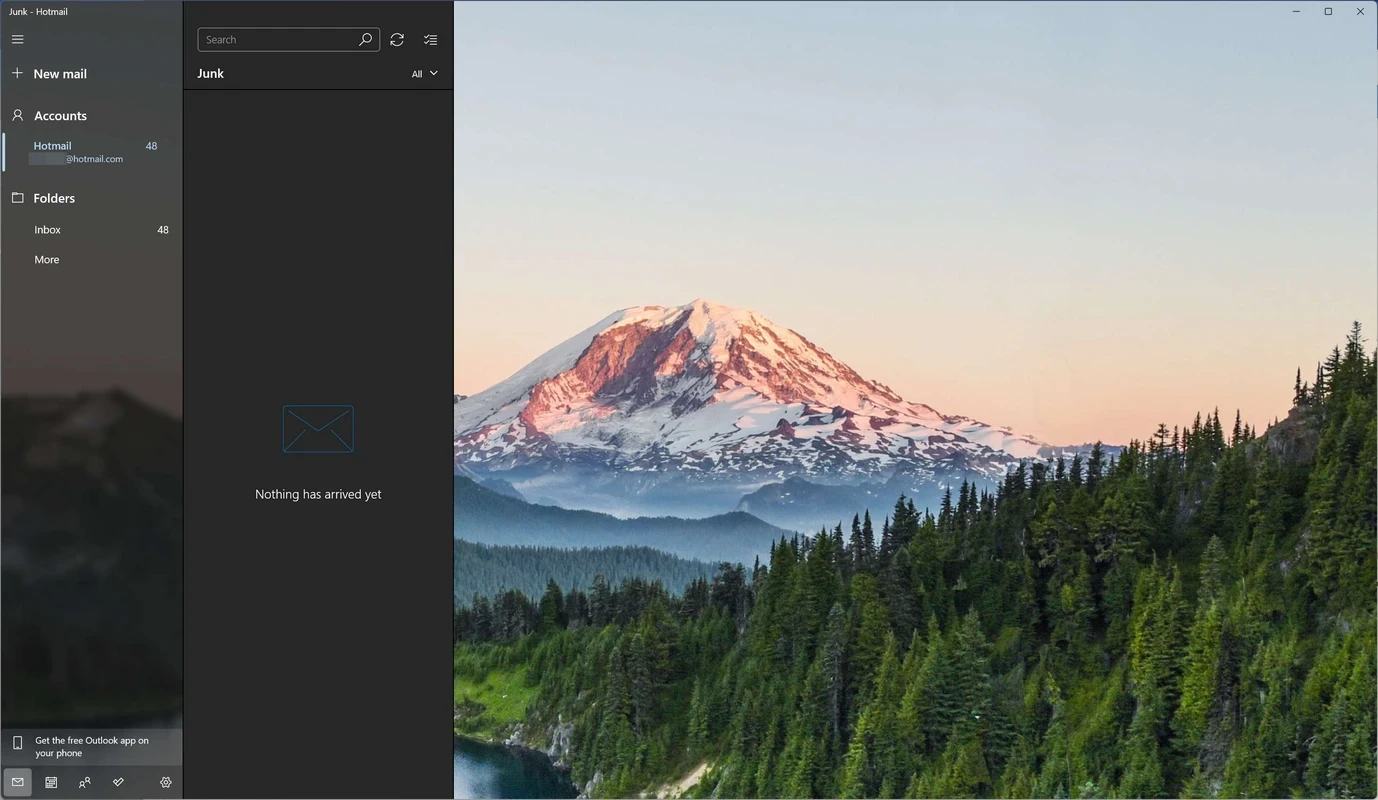
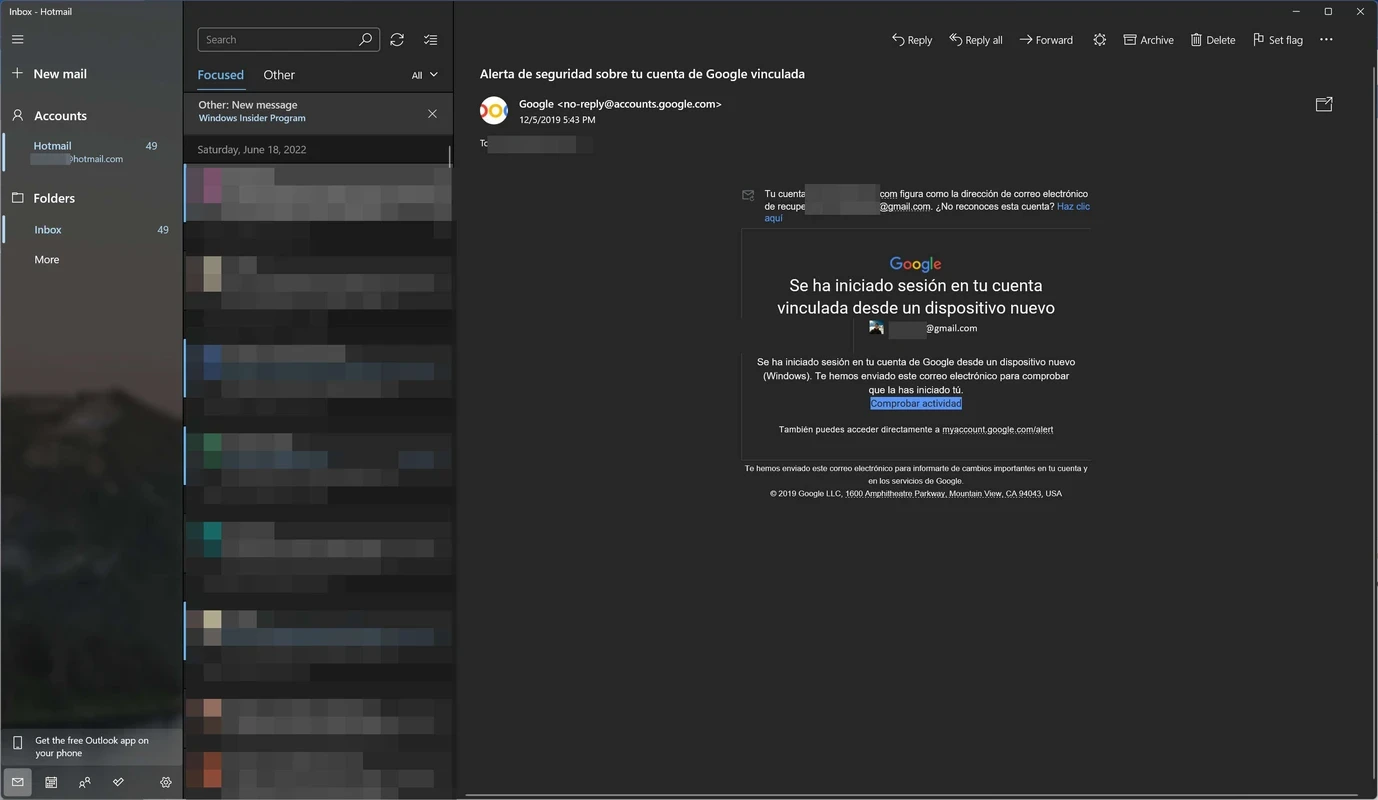
Windows Mail and Calendar 16006.11001.20116.0 were the email and calendar apps that came with Windows 10 and Windows 11. Microsoft discontinued them on December 31, 2024 and replaced them with the new Outlook for Windows. The old apps no longer receive updates, and sending and receiving mail through them stopped working after the end of support. If you are looking to download Windows Mail and Calendar, the practical step today is to move to Outlook.
For years, Mail and Calendar were the default way to read email on a fresh Windows PC. They were simple, free and worked with Outlook.com, Gmail, Yahoo and other accounts, with a calendar that showed appointments from the same accounts. Microsoft decided to consolidate its mail apps and made the new Outlook for Windows the built-in client on Windows 11, describing it on its support page about the future of Mail, Calendar and People as bringing the latest features with a modern and simplified design. People was folded into the same move. Users of the old apps were prompted to switch over the course of the transition, and after December 31, 2024 the old apps stopped syncing. Your mail and calendar entries themselves were never stored only in the app: they live in your email accounts on the provider's servers, so switching to another program brings them back.
Microsoft lists changes to the new app in the new Outlook release notes.
Are my old emails gone? No; as long as they were in an online account, they appear again after you add the account to another app. What about signatures and rules? Those were stored in the old app, so recreate them in the new client. Can I keep using the old app offline? It may still open and show cached messages for a while, but it will not sync, so rely on it only to copy information out.
You do not have to use Outlook. Any desktop mail client that supports your accounts, or simply the web interface of your email provider, gives access to the same messages.
| Item | Details |
|---|---|
| Last version | 16006.11001.20116.0 |
| Developer | Microsoft Corporation |
| Status | discontinued on December 31, 2024 |
| Successor | Microsoft Outlook (new Outlook for Windows) |
| Size | about 195.64 MB according to catalogue data |
Microsoft Outlook is the official successor in our listings. Thunderbird and Mailbird are other desktop email clients for Windows.
Thunderbird is a free, open-source email client and personal information manager for Windows, macOS, Linux and Android.

Google Play is Google's digital distribution platform. On Windows, Google offers Play content through the browser and Google Play Games on PC.

Media Creation Tool is a free Microsoft utility that downloads Windows and turns it into a bootable USB flash drive or an ISO file.

LDPlayer is an Android emulator for Windows that runs mobile apps and games on a computer.

BlueStacks is an Android emulator for Windows that lets you run Android apps and games on your PC.
Rufus is a free Windows utility that turns a USB stick into a bootable installer. The current version is 4.15.

PC App Store is a free software store for Windows from Baidu for finding, installing and updating PC programs. This page covers version 5.0.1.8682.

Uptodown App Store for Windows is the desktop client of Uptodown, a marketplace for desktop software and mobile apps. This page covers version 1.0.3.
NoxPlayer is a free Android emulator from Bignox for Windows and macOS that runs mobile games and apps on a computer with keyboard and mouse control.